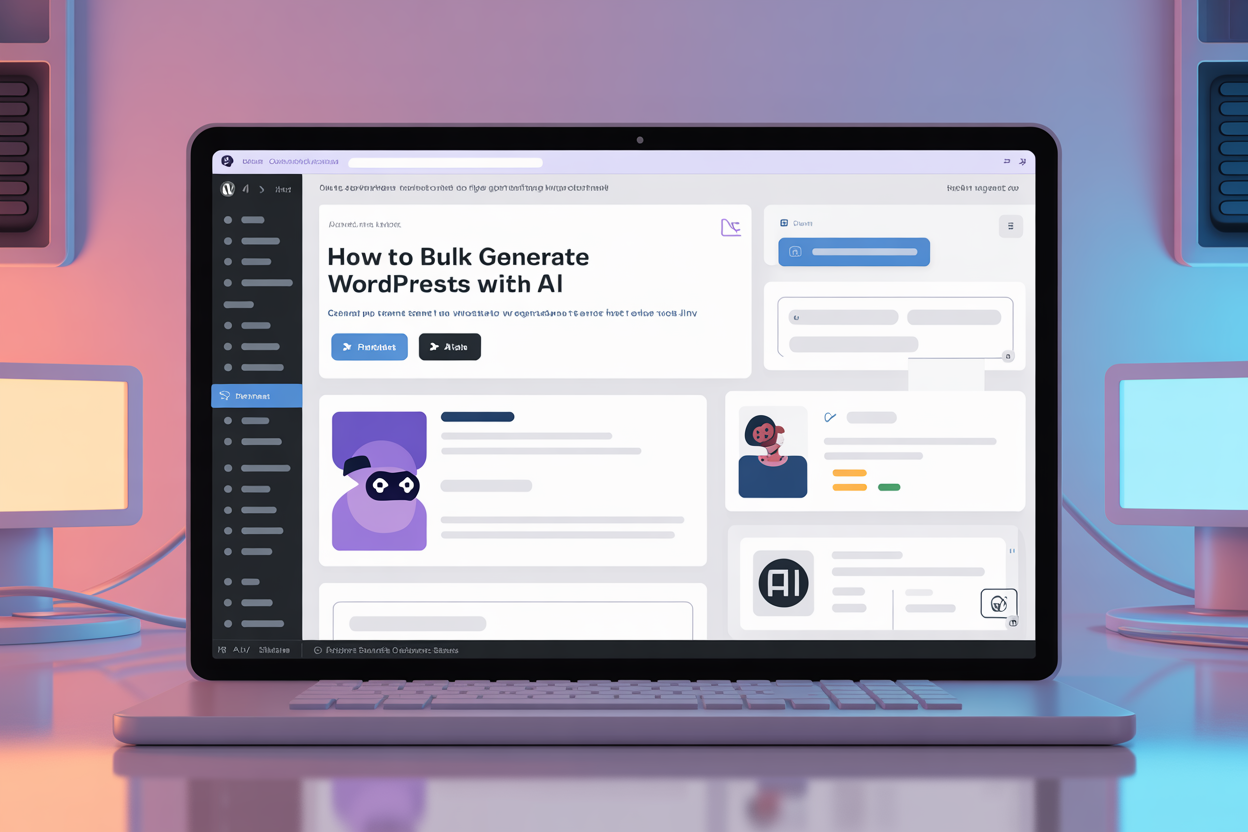
How to Bulk Generate WordPress Posts with AI
Scale your content without sacrificing quality
Publishing one article a week is fine for a hobby blog. But if you want to dominate a niche, build Topical Authority, or launch a programmatic SEO campaign, you need speed. Manual copy-pasting from ChatGPT to WordPress won't cut it.
In this guide, we'll show you how to bulk generate WordPress posts that are structured, SEO-optimized, and formatted with clean HTML—ready to rank. We'll use the SEORise WordPress Plugin to automate the publishing process.
Whether you are an affiliate marketer needing to cover 100 product reviews or an agency managing 50 client sites, bulk generation is the only way to scale profitably.
The Trap: "Mass Page" Spam vs. Helpful Content
Bulk generation has a bad reputation because of tools that spam thousands of low-quality pages. That strategy doesn't work in 2025. Google's "Helpful Content" system penalizes thin, unhelpful text.
The right way to do bulk:
- Entity-Aware Outlines: Don't just let AI guess. Use tools that map the SERP structure (H2s, H3s) before writing.
- Consistent Formatting: Every post must have proper lists, tables, and bolding to be readable.
- Human Review (Governance): Even with bulk tools, a quick editorial glance is better than "blind" publishing.
Step 1: Prepare your Keyword Cluster
Before you open the generator, you need a plan. Don't generate random articles. Instead, create a Topic Cluster.
For example, if you sell coffee machines, your cluster might look like:
- Best coffee machine for home (Pillar)
- Best coffee machine for small office
- Best espresso machine under $500
- Manual vs Automatic coffee machines
Prepare a CSV or a simple list of these keywords. This ensures your bulk campaign covers a specific topic depth, which builds authority. Google rewards sites that cover a topic completely, not just superficially.
Step 2: Configure Tone and Templates in SEORise
Consistency is key. You don't want 50 articles sounding like they were written by 50 different robots.
- Log in to SEORise and go to the Mass Generator.
- Set the Tone: Choose "Professional", "Friendly", or a Custom Brand Voice.
- Select a Template: Use a "Review" template for product posts or "How-to" for tutorials. This locks the structure (e.g., always having a Pros/Cons table).
- Import Keywords: Paste your list or upload your CSV.
SEORise will now generate outlines for all articles simultaneously. Review them quickly to ensure the AI understands the intent.
Step 3: The "One-Click" Push to WordPress
This is where you save hours of work. Instead of copying HTML, uploading images, and setting categories manually for 50 posts:
- Ensure the SEORise Connector Plugin is active on your site.
- Select all approved drafts in your SEORise dashboard.
- Click Publish to WordPress.
- Choose "Set as Draft" (recommended for final QA) or "Publish Immediately".
The system sends clean HTML (Gutenberg-ready), sets the H1, Featured Image, Category, and Tags automatically. 50 articles appear in your WP dashboard in seconds.
Managing the Editorial Calendar
Just because you can generate 100 posts in an hour, doesn't mean you should publish them all at once. A "content explosion" can look unnatural to Google if your site is new.
Recommended Schedule:
- New Sites (DR < 10): Publish 1-2 posts per day.
- Established Sites (DR > 30): Publish 5-10 posts per day.
- News Sites: Unlimited.
Use the WordPress "Schedule" feature (supported by SEORise) to drip-feed your content over the next month. This keeps your site "fresh" in the eyes of crawlers.
Quality Assurance at Scale
How do you check 50 articles without reading every word? You use "Spot Checking" and automated rules.
The 3-Minute Bulk QA Checklist:
- Scan Headings: Do the H2s make logical sense?
- Check Links: Are there internal links? Are external links reputable?
- Visual Check: Is there a featured image? Are there bullet points breaking up the text?
- Fact Check: Verify any specific data points (prices, dates) manually.
Internal Linking Strategy
Publishing 50 "orphan" pages (pages with no links) is bad for SEO. Since you generated a cluster (Step 1), you must link them.
SEORise Pro Tip: Use the "Internal Linking" feature during generation. It will suggest anchors to your other generated posts, instantly creating a mesh of links that helps Google crawl your new content.
For example, your "Best Espresso Machine" article should link to your "Best Coffee Beans" article. This signals to Google that you are an authority on the entire Coffee niche.
FAQ
Does bulk content hurt SEO?
Not if the content is high quality and answers the user's intent. "Spamming" hurts SEO. "Covering a topic thoroughly" helps it.
Can I use this for WooCommerce?
Yes! The bulk workflow is perfect for product descriptions. Check our WooCommerce Guide.
What about images?
SEORise generates relevant AI images for each post, or you can use stock placeholders. They are automatically set as the "Featured Image" in WordPress.
Start Bulk Generation
Ready to scale? Download the connector and try the Bulk WordPress Generator today. Stop writing manual drafts and start building authority.
Last updated: 2025-11-25